Event
Mobile Testing & Experience Summit 2024
Watch On Demand
Enterprises rely on Kobiton to dramatically reduce regression cycle time
Kobiton delivers more pro-code and no-code automation productivity for the whole team
Kobiton’s AI engine knows what good looks like – accessibility and visual validations for all

Device lab management empowers QA teams to build their own mobile lab perfectly tailored to your QA team’s needs. Give your team instant access to all the devices they need to do manual or automated testing at scale.
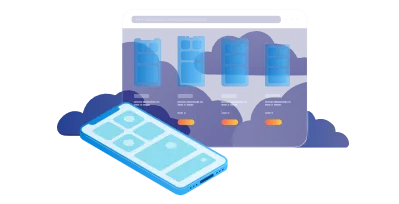
The Kobiton mobile device cloud gives testers a device-in-hand experience, virtually. Highly responsive access to the broadest range of real devices running the most popular operating systems for global market coverage.

Desktop-based capabilities for developers and testers to collaborate on devices in the lab from within their development environment.

Powerful session explorer that provides an iMovie-like experience to relive the test execution, rapidly pinpoint issues, and assign defects with a couple of clicks.

Kobiton’s AI engine delivers 3X faster script execution, Appium script generation, self-healing execution, and no-code testing allowing teams to achieve more automation in a fraction of the time.






Over 1000 QA professionals across over 30 lines of business rely on the Kobiton Platform to accelerate testing and improve app quality.
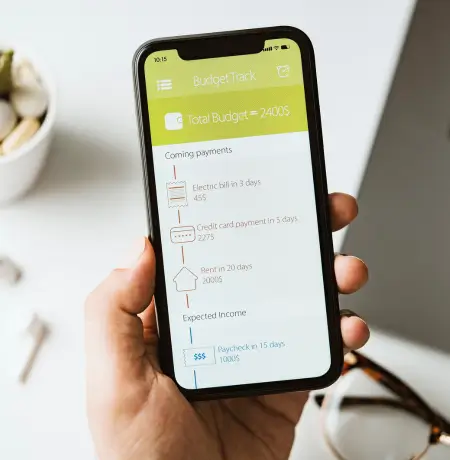
A major financial banking company was looking for a partner to walk alongside them in their testing journey – and Kobiton was the best fit.

ING uses Kobiton’s Jenkins integration to easily build Kobiton into their CI/CD pipeline. Now, ING has repeatable test execution.



The Kobiton Platform is driving higher levels of test automation for Office Depot.

Flexible deployment options for AT&T’s mobile device labs has given them more control and a better mobile testing experience for their users with diverse needs.

Home Depot uses Kobiton’s AI-driven no-code testing to increase automation, accelerate releases and improve confidence in each release.





“In 2022, our mobile app users were up 32 percent year over year, digital room nights rose 27 percent and digital revenues climbed 41 percent.”

“We are evolving the Fly Delta app into a digital travel concierge for our customers to offer convenient services on the day of travel and deliver thoughtful notifications to make their travel journeys more seamless.”
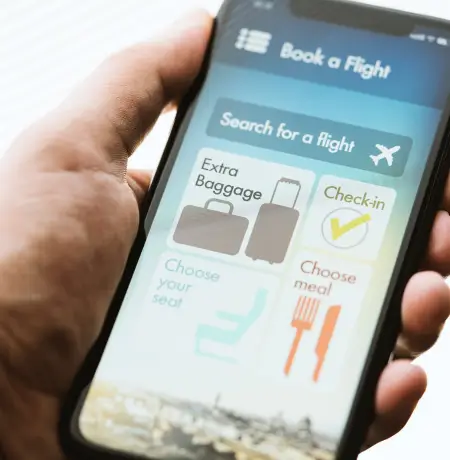


a top 10 US gaming company has driven huge growth and needed a platform to keep step with the speed of gaming.

The Mobile Testing and Experience Summit (MTES) is the premier, mobile-centric development and testing summit. Kobiton brought together the best and brightest minds in mobile application development, aiming to improve their mobile testing skills and strategies. This year’s summit featured groundbreaking advancements in mobile testing, automation, accessibility, and AI. Now is your chance to watch MTES 2024 on demand and elevate your mobile testing process.
Deliver better app experiences in less time.
Give your team device-in-hand testing.
Achieve higher levels of automation faster.
Execute more tests faster across all the devices you need.
Our AI detects potential accessibility issues with no manual effort.
Instant replay or manual tests in parallel across device types.
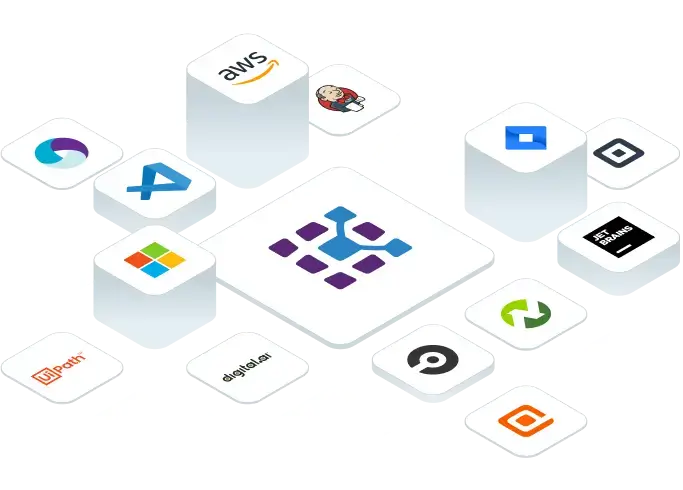
We accelerate your mobile development and testing by integrating with the Enterpsie-class technology you are already using.